Openings
Post a job to Indeed
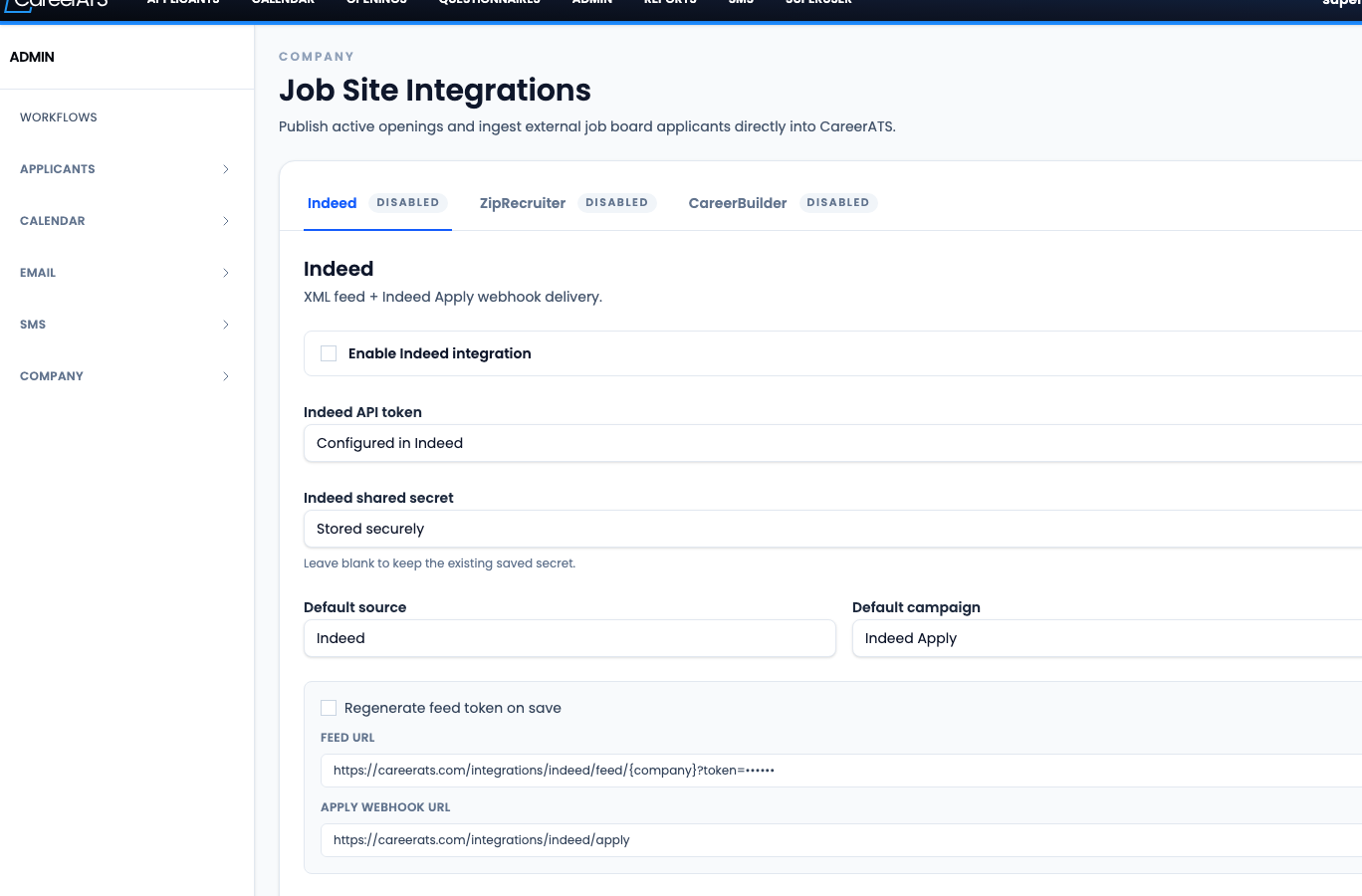
Confirm the Indeed integration in CareerATS
Open Job Site Integrations before publishing through the CareerATS feed. Confirm Indeed is enabled and the feed/apply settings are ready.
- Use this step when your company expects CareerATS to send openings to Indeed automatically.
- Confirm the Indeed integration is enabled and saved before expecting Indeed to pick up jobs.
- Copy or verify the feed and apply settings if Indeed or CareerATS support needs them.
Prepare the opening for Indeed in CareerATS
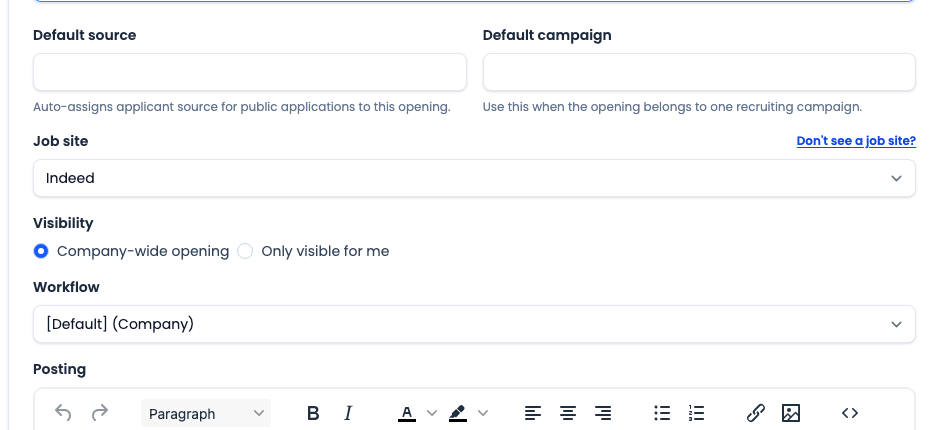
Confirm the CareerATS opening is ready for applicants before checking or creating the Indeed post.
- Choose Indeed as the Job site when the opening should be posted or tracked through Indeed.
- Confirm the public slug, description, posting content, visibility, and workflow.
- Start the opening when it is ready. If your company uses the Indeed feed, CareerATS sends only active openings that have been started.
Check whether Indeed already has the job
If CareerATS is connected to Indeed, check Indeed before creating a duplicate post.
- Open the Indeed Employer Dashboard.
- Go to Jobs, then All Jobs, and look for the opening pulled from your ATS or career site.
- If the job is already there, manage or sponsor that existing job instead of creating another post.
Start the Indeed Post a Job flow
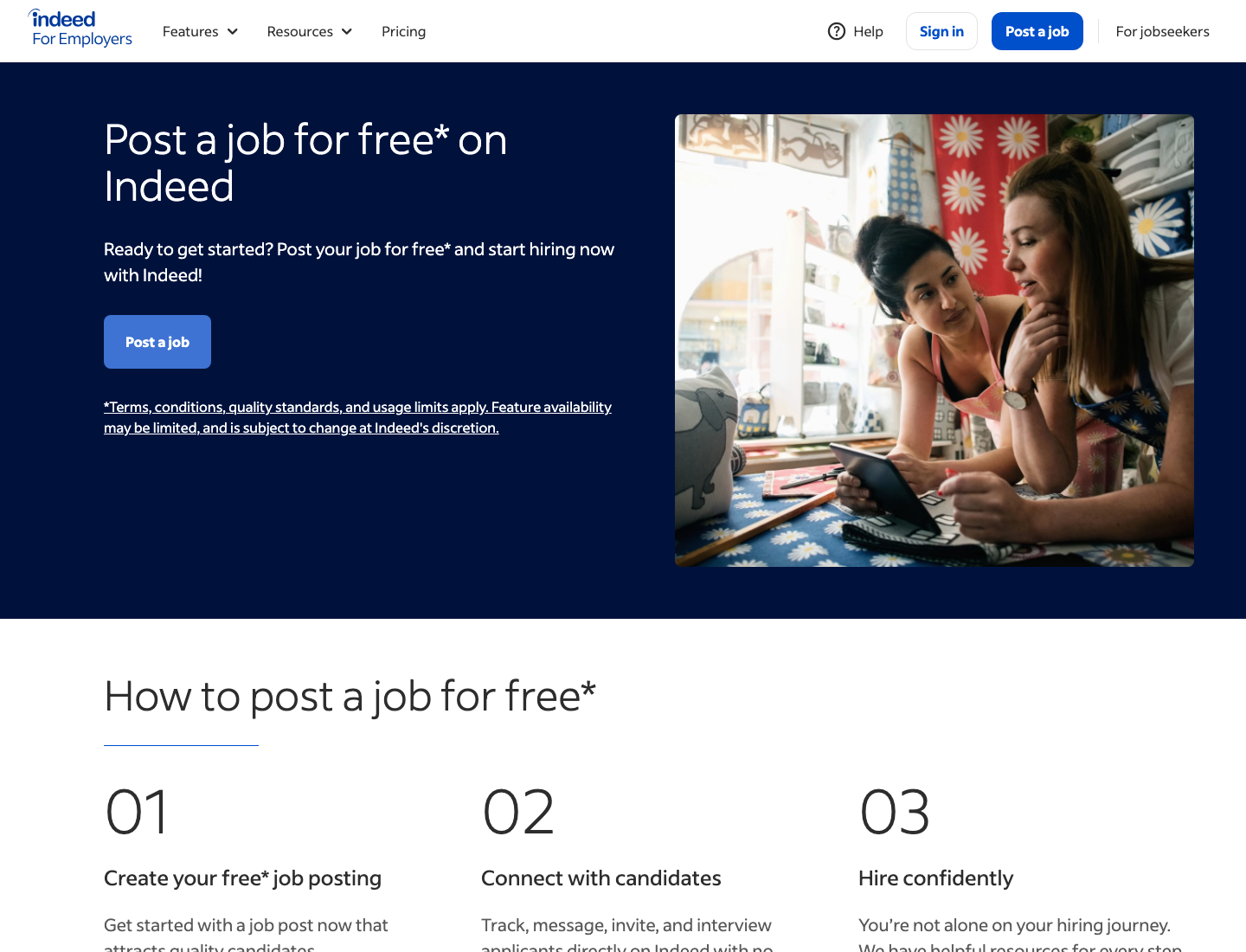
If the job is not already in Indeed, use Indeed’s Post a Job flow.
- Click Post a Job from Indeed for Employers or from the Employer Dashboard.
- Sign in or create the employer account if Indeed prompts for it.
- Use the CareerATS opening as the source for the job title, location, description, and role details.
Enter the Indeed job details
Complete the job information Indeed asks for so candidates can understand the role and find it in search.
- Add pay range, benefits, shift, location, job type, required qualifications, skills, and remote or work-from-home options where applicable.
- Paste or review the CareerATS Posting content in the Indeed job description.
- Use clear formatting, include pay information when possible, and keep requirements and responsibilities easy to scan.
Add qualifications and choose visibility
Finish the Indeed setup with screening questions and the right visibility option for the hiring need.
- Add applicant qualifications or screener questions to help filter applicants before review.
- Choose a free hosted post or a sponsored job based on timeline, budget, and candidate volume.
- Review the post before publishing so it matches the CareerATS opening.
Manage applicants and close the loop
After the job is live, manage the Indeed post and confirm candidate flow back into CareerATS when integration is enabled.
- Use the Indeed Employer Dashboard to edit, sponsor, pause, or close the job.
- If Indeed Apply is enabled, confirm applicants arrive in CareerATS with the correct source or campaign.
- If applicants are missing, check that the CareerATS opening is still active and started, and that the Indeed integration is connected.